Multi-Language
Support Arabic, Hebrew, English, and Russian with proper RTL and LTR interfaces.

A clear overview of the system capabilities across point of sale, online store, inventory, payments, reports, integrations, and AI.
A flexible base for companies, languages, users, permissions, and light or dark mode from one platform.
Support Arabic, Hebrew, English, and Russian with proper RTL and LTR interfaces.
Clear roles for admins, managers, cashiers, and agents with controlled access.
Secure sign-in with phone verification codes and stronger account protection.
Switch comfortably between dark and light interfaces for cashiers and managers across different work environments.
Fast cashier workflows with order management, customer display, printing, and offline selling.
A practical cashier screen for products, barcode scans, discounts, payments, and printing.
Keep online store orders and POS orders organized in one dashboard.
Track status, notes, products, printing, invoices, cancellations, and refunds.
A customer-facing screen that shows products, quantities, prices, discounts, and totals live during checkout.
Continue selling locally, then sync orders when the connection returns.
A rich catalog for products, categories, variants, brands, promotions, imports, and exports.
Create and edit products with price, images, descriptions, status, stock, and barcodes.
Organize products into main and nested categories for storefront browsing.
Support colors, sizes, options, images, and stock for each variant.
Connect products to brands for easier filtering and catalog organization.
Enable sale prices and promotional discounts with admin control.
Bulk import products and export catalogs for integrations and reporting.
Customer, loyalty, and discount tools that improve repeat purchases and service.
Customer profiles with core details, order history, communication, and notes.
Save multiple addresses for faster repeat delivery orders.
Create coupons with limits, customer rules, campaign tracking, and online order support.
Reward customers with points, balances, transactions, and clear redemption rules.
Let customers save favorite products and rate items to improve the store experience.
A complete online store with SEO, Google Ads, Merchant Center, and Analytics to improve visibility and sales.
A modern storefront for products, categories, and customer orders.
Manage branding, sections, ordering methods, display options, and operating rules.
Fast search and filters help customers find the right product quickly.
A full buying flow from cart to order submission or payment.
Optimized product and page metadata for better search visibility.
Prepare your store for Google campaigns and track traffic and conversions from ads more clearly.
Generate a product XML feed for Merchant Center with product data, pricing, availability, and images.
Validate products before sending them to Google to catch missing fields and reduce rejection errors.
Connect Google Analytics to measure traffic sources, customer behavior, product pages, and order performance.
User behavior analytics to understand visits and improve pages.
Strong back-office tools for warehouses, transfers, purchasing, suppliers, and delivery operations.
Add multiple warehouses, connect stock to branches, and track quantities, alerts, and product movement from one place.
Track devices and products that require a serial number or IMEI per unit.
Move products between warehouses with documented items, quantities, and serials.
Create and receive purchase orders tied to suppliers, products, and variants.
Manage supplier details and connect them to purchases and products.
Define delivery companies and drivers and connect them to orders.
Set delivery areas and fees flexibly by city, zone, or region.
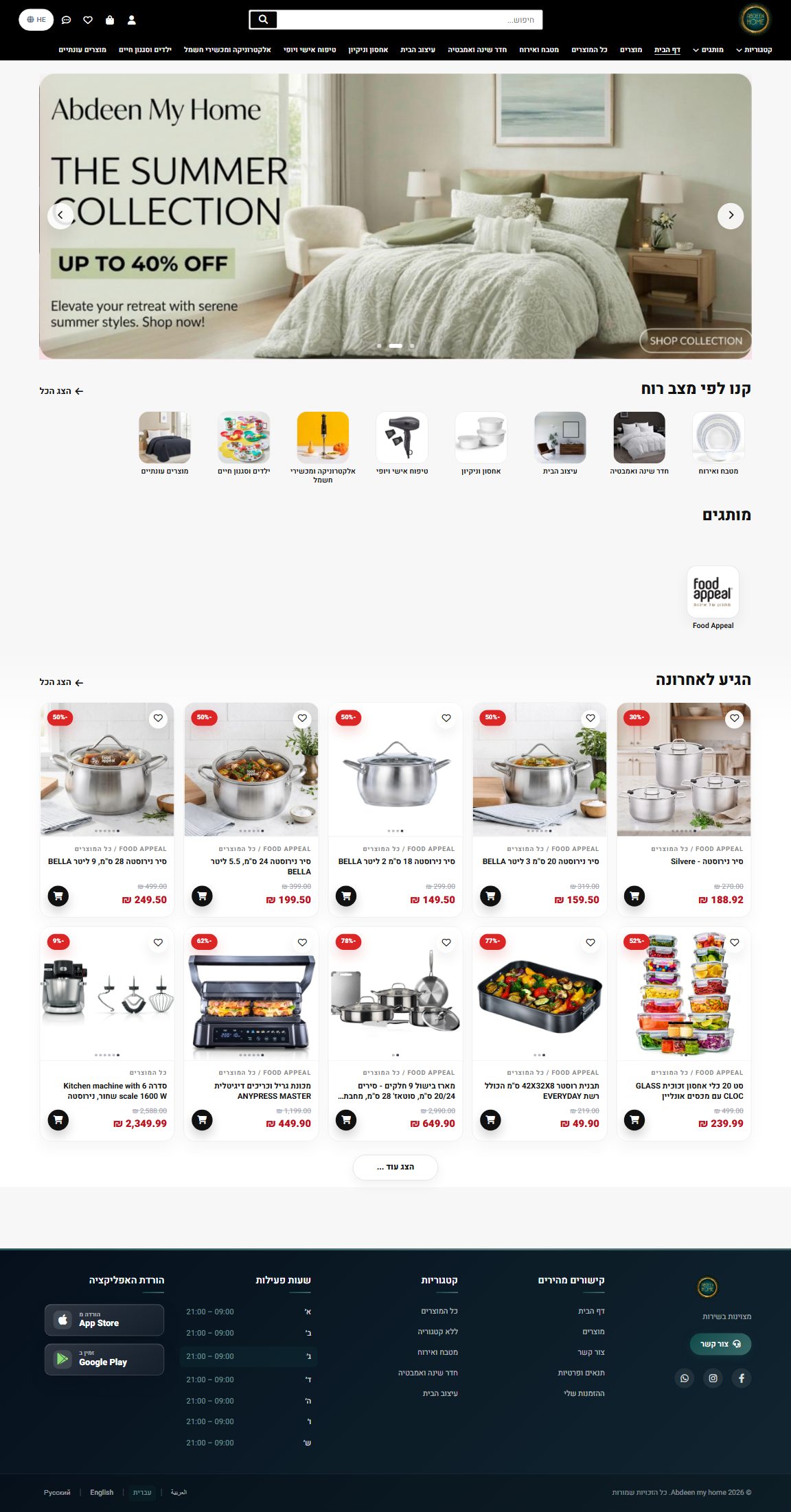
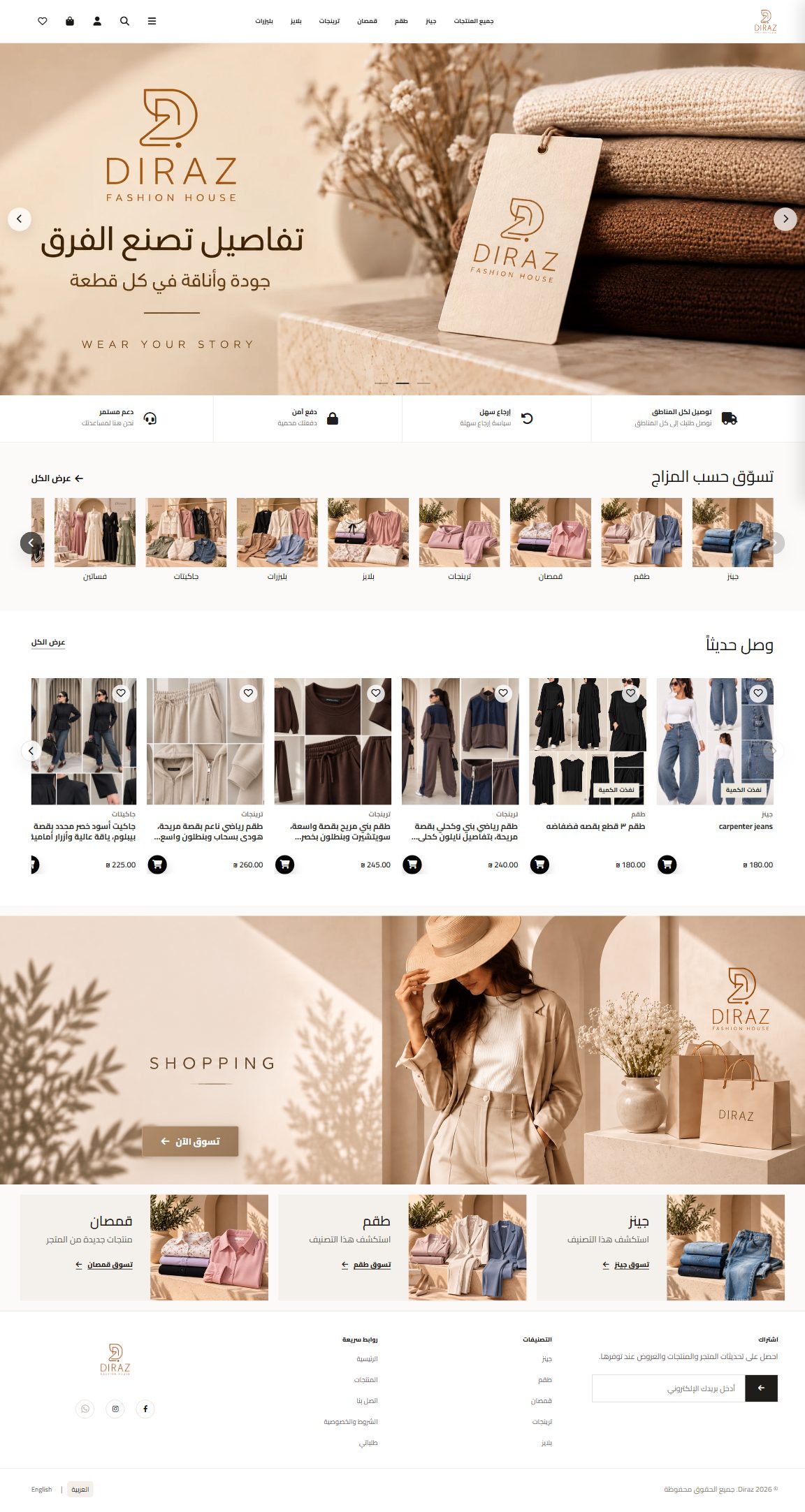
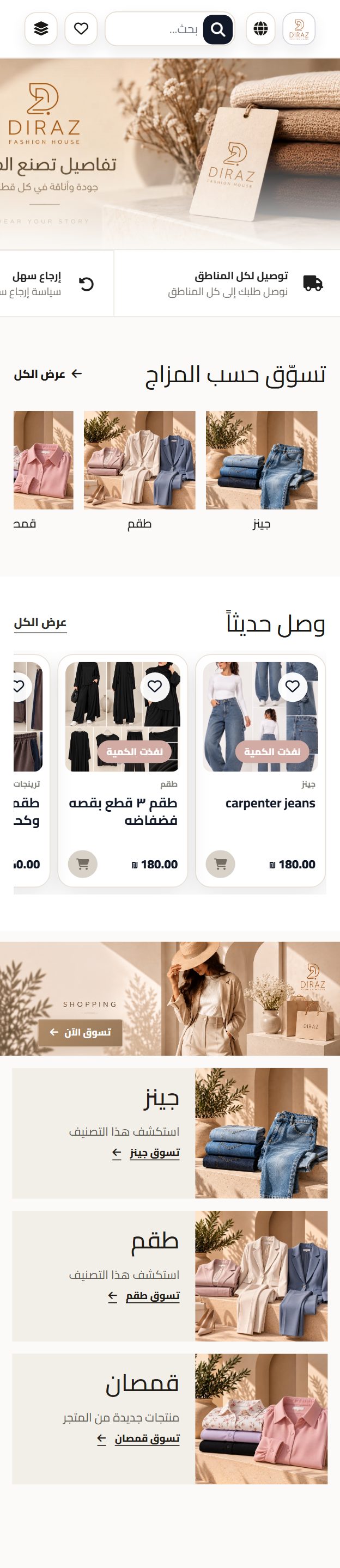
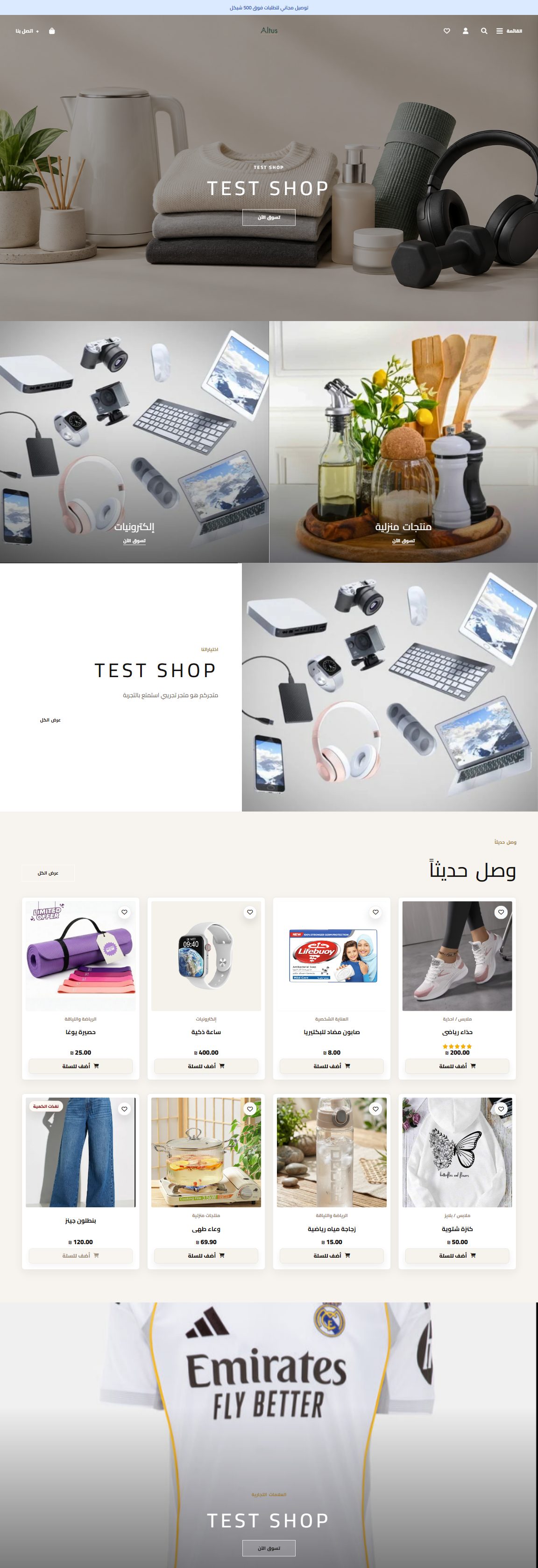
Three ready-made designs for your store, each with its own personality. Pick one in settings and your store transforms instantly on desktop and mobile, no developer needed.
A familiar, clear layout for stores with many categories: prominent search, a full category menu, and product cards that show discounts and prices at a glance.

A light, elegant version with soft tones and generous white space, perfect for fashion stores and image-led brands.
A contemporary design with full-width imagery and large category blocks that gives your store the feel of a global brand.

Multiple payment methods including cash, card, BIT, bank transfers, invoices, Z reports, partners, and cash drawer movements for accurate daily finance.

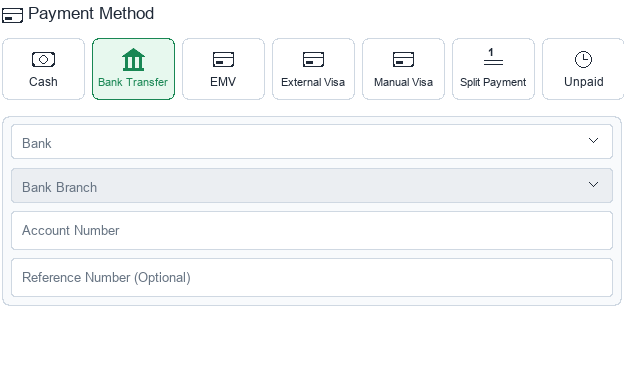
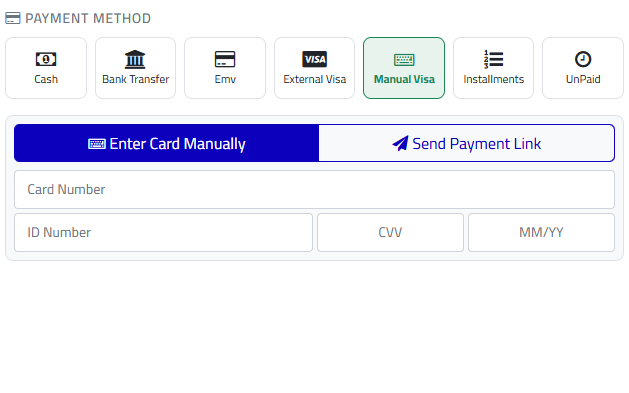

Connect KarmelPOS with the right payment providers for your business so every transaction stays tied to the order and invoice.
Payment integration with Tranzila according to company settings.
Support PeleCard gateways and devices for more payment options.
Integration for financial operations such as invoices or credit notes when enabled.
After payment selection, KarmelPOS completes the financial flow with invoices, cashier reports, credit notes, and drawer movements.
Issue invoices connected to orders with product, tax, and payment details.
A template editor for arranging invoice and Z report blocks with preview.
Cashier shift reports for sales, payment methods, cash, cards, and movements.
Record official returns or discounts connected to previous orders or cashier drawers.
Record protected cash withdrawals with amount, note, and Z report connection.
WhatsApp, SMS, reports, logs, WooCommerce integrations, and AI tools for management and growth.
Send order details or custom notifications through WhatsApp by company settings.
Notify managers when new website orders arrive without constant refreshes.
Use SMS for OTP, sensitive alerts, and system-related notifications.
Reports for sales, orders, payments, top products, payment methods, and discounts.
Transaction Logs and Print Trace Logs for payments, printing, integrations, and errors.
Manage company packages, subscription status, and enabled features.
Sync products, categories, variants, and images from WooCommerce.
Improve or generate product images using AI from product data.
Find external product images by barcode and apply them faster.
Manage products, orders, customers, inventory, suppliers, reports, and settings in one place.
Record daily expenses or prepare recurring expenses with categories, suppliers, and automatic schedules that clarify operating costs.
Create customer packages, choose the start and first billing date, and let the system generate monthly payments by Visa or cash.
Issue an exchange note with a code, barcode, and expiry, then use it at the cashier to select returned items and complete the replacement order.
BIT is available in POS and split payments, and appears across orders, invoices, Z reports, and financial reporting.
These features are built to make daily operations easier, faster, and clearer.
Get Started